Kanban vs timeline view: when each project view actually matters
Stop switching randomly between kanban and timeline views. Here's when each project visualization actually helps (and when it doesn't).
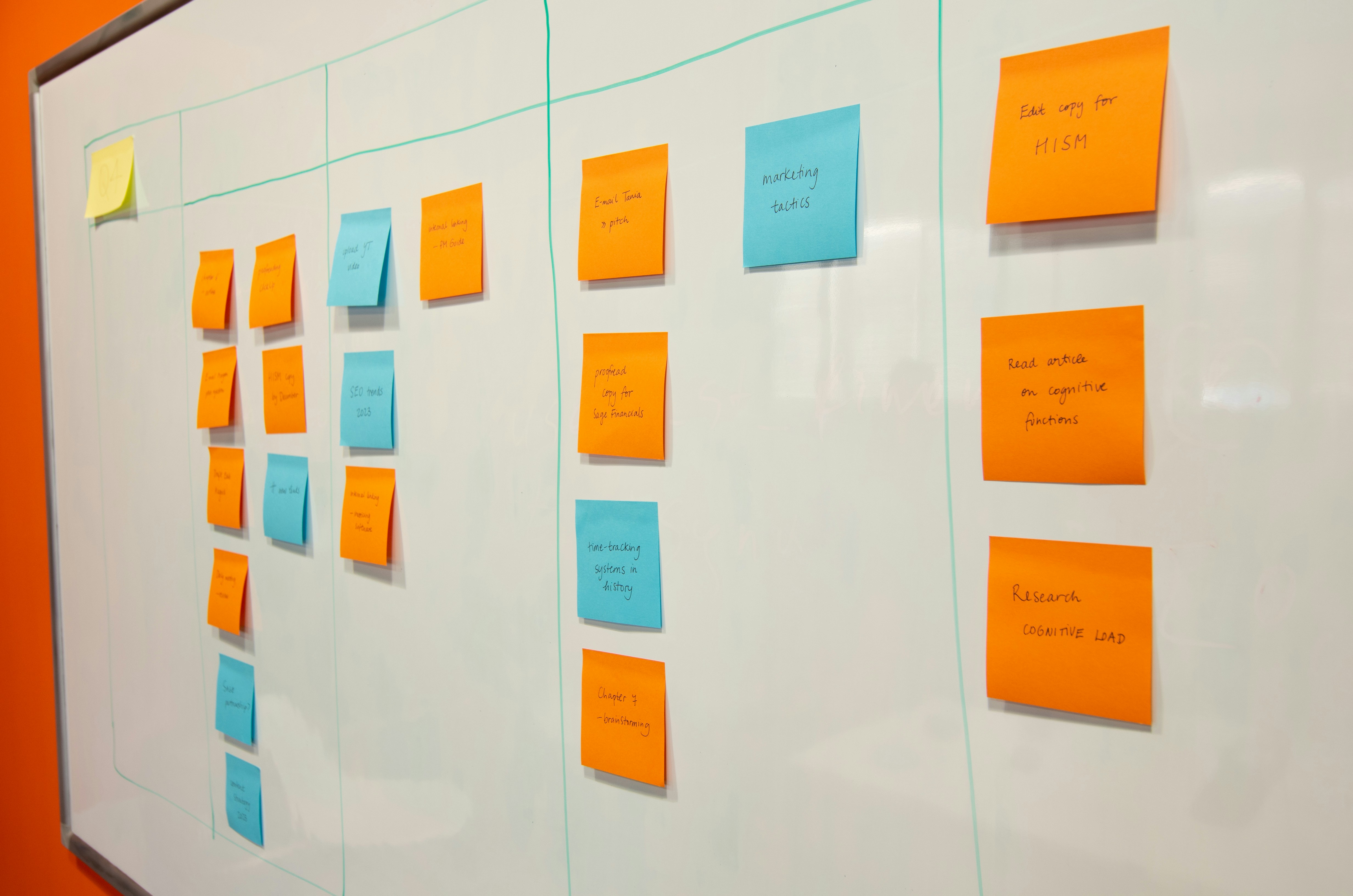
You’ve got both kanban boards and timeline views in your project tool. Most teams toggle between them randomly, or worse, pick one and never switch. Both approaches miss the point.
These aren’t interchangeable ways to display the same information. They solve fundamentally different problems, and using the wrong one at the wrong time creates more friction than clarity.
Timeline views are about constraint management
Timelines excel when dependencies matter more than flow. If Task B genuinely cannot start until Task A finishes, and you’re managing multiple interlocked streams of work, timeline visualization becomes essential.
Consider software deployment sequences. Database migration must complete before application deployment, which must finish before DNS updates. The chronological relationship isn’t just helpful context - it’s the primary constraint governing your work.
Timeline views also shine when resource conflicts lurk beneath the surface. Your lead developer can’t simultaneously architect the API and review frontend code. Timeline visualization makes these conflicts visible before they derail your schedule.
But most teams reach for timeline views when they should be questioning whether their dependencies are real. Manufacturing assembly lines have genuine sequence constraints - bolts must be installed before panels. Knowledge work rarely has such rigid requirements. That ‘dependency’ between market research and product planning might be more flexible than your timeline suggests.
Kanban reveals flow problems you can’t see in timelines
Kanban boards optimize for throughput over sequencing. They make bottlenecks visible and encourage finishing work rather than starting new work.
The power lies in work-in-progress limits and column design. When your ‘Review’ column consistently overflows while ‘In Progress’ stays empty, you’ve identified your constraint. Timeline views bury this signal in date ranges and dependencies.
Kanban also handles uncertainty better. When requirements change mid-sprint (and they will), moving cards between columns feels natural. Adjusting timeline dates feels like admitting failure.
The biggest kanban insight most teams miss: columns should represent work states, not people or departments. ‘Awaiting Client Feedback’ is a legitimate column. ‘Sarah’s Tasks’ is not.
When timeline views become theater
Timeline views can become elaborate fiction when teams confuse planning with prediction. That detailed Gantt chart stretching twelve weeks into the future assumes you know exactly how long each task will take and that nothing will change.
Most timeline views work backward from arbitrary deadlines rather than forward from realistic estimates. The result is compressed schedules that look professional but ignore capacity constraints.
Timeline views also encourage task padding. When everyone knows their estimates will be questioned, they inflate durations to create hidden buffers. The timeline becomes a negotiation document rather than a planning tool.
The switching decision framework
Start with kanban for most project phases. It handles ambiguity better and keeps teams focused on completion over commencement.
Switch to timeline view when: - External dependencies multiply (client approvals, vendor deliverables, regulatory reviews) - Resource scheduling becomes complex (shared team members, equipment booking, facility constraints) - Stakeholder communication requires chronological context
Switch back to kanban when: - Requirements start shifting - The team gets stuck on dates instead of delivery - Work begins piling up in specific process stages
Most tools force a false choice
The dirty secret: most project management tools implement timeline views poorly. They’re either oversimplified kanban boards with dates attached, or overly complex Gantt charts that require constant maintenance.
Good timeline tools automatically adjust downstream dates when upstream work shifts. They highlight critical path changes and resource conflicts without manual intervention. Most tools dump this cognitive load on the project manager instead.
Similarly, many kanban implementations are just glorified to-do lists. Without proper work-in-progress limits and thoughtful column design, you lose the flow optimization benefits that make kanban valuable.
The hybrid approach that actually works
The most effective teams don’t pick sides. They use kanban for active work management and timeline views for stakeholder communication and dependency planning.
Daily standups happen around the kanban board. Weekly status updates use timeline views. Different audiences need different perspectives on the same work.
This requires discipline in data entry - updating both views as work progresses. But it’s worth the overhead when stakeholders stop asking ‘when will this be done?’ because they can see the answer in timeline view.
The key insight: these views complement each other when used deliberately, but compete when applied randomly. Kanban optimizes team productivity. Timeline views optimize stakeholder confidence. Both matter, but not at the same time.
Choose based on your immediate need: managing work flow or managing expectations. Then switch when that need changes.
Quick reference
Kanban boards: Visual workflow management tools that use columns and cards to track work progress from start to finish.
Timeline views: Project visualization showing tasks plotted against dates, often displayed as Gantt charts or similar chronological formats.
Dependencies: Relationships between tasks where one task cannot start or finish until another task is completed.
Work-in-progress limits: Maximum number of tasks allowed in each workflow stage to prevent bottlenecks and maintain steady flow.
Throughput: The rate at which work items are completed and delivered over a given time period.
Bottlenecks: Points in a workflow where work accumulates because capacity is insufficient to handle the incoming workload.
Sprint: A fixed time period (usually 1-4 weeks) during which a development team works to complete specific tasks.
Gantt chart: A bar chart that displays project tasks against time, showing start dates, durations, and dependencies.
Critical path: The longest sequence of dependent tasks that determines the minimum project duration.
Standups: Brief daily team meetings where members share progress updates, plans, and obstacles.